Chromium Remote Debugging Protocol for Headless Automation
Understanding the protocol layer transforms how developers build reliable browser automation.
The Chrome DevTools Protocol is not an automation tool. That distinction is the key to using it well, and most practitioners never fully internalize it.
CDP began as the communication layer between Chrome's DevTools front end and the browser engine itself. When you open DevTools and inspect a network request or profile a heap, every interaction traverses this protocol. The automation community noticed that the same bidirectional channel was available to anyone who could open a WebSocket, and the rest followed. CDP's design reflects the needs of a debugging interface, not a test harness. Its power and its peculiarities both make more sense once you sit with that fact.
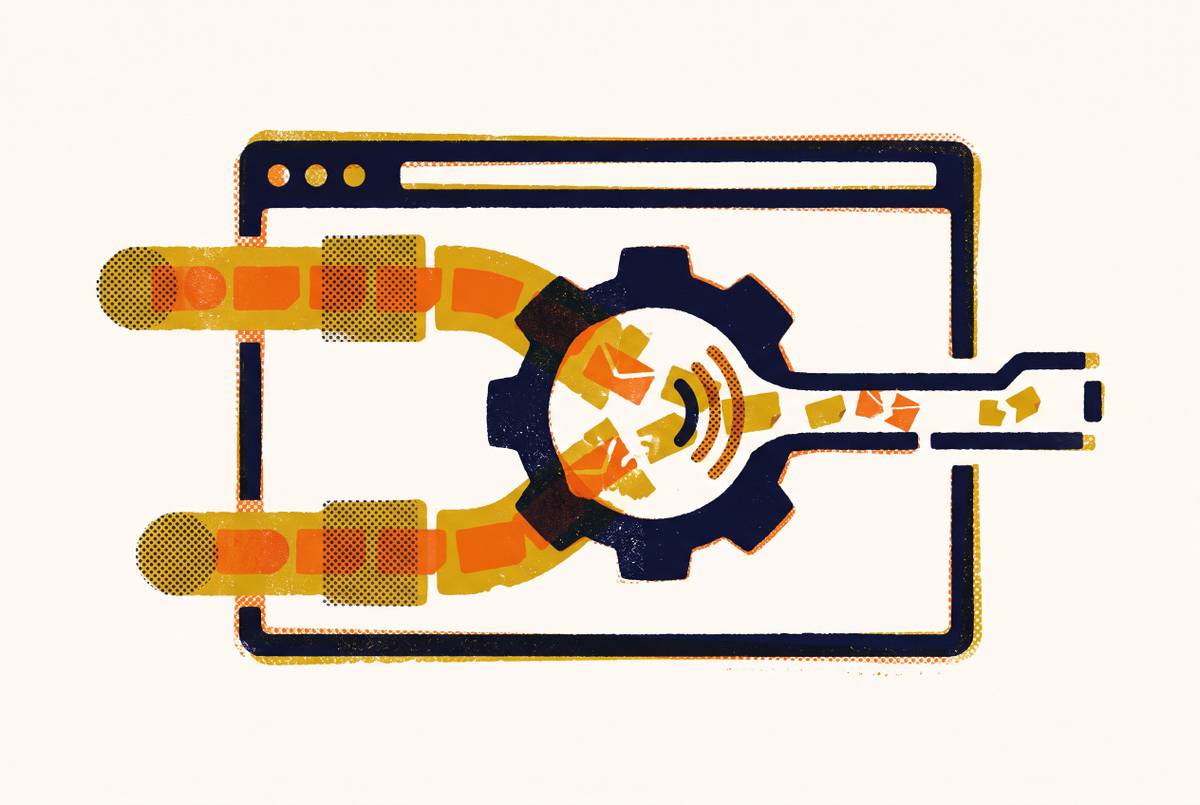
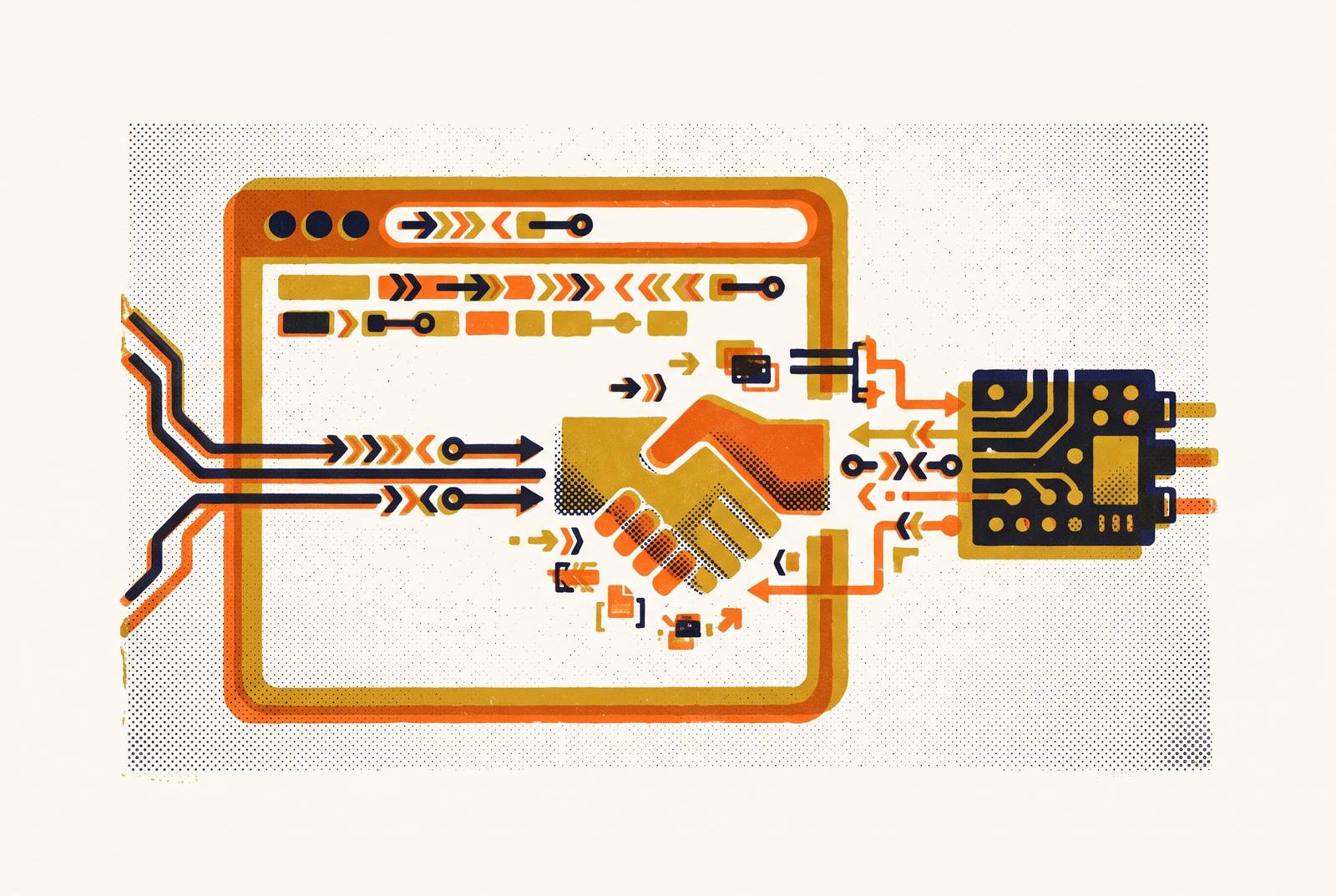
The transport is a bidirectional WebSocket connection carrying JSON-serialized messages. Commands flow from client to browser; events flow from browser to client, asynchronously, as they occur. Think of a polling-based driver as a restless visitor standing at a window, repeatedly knocking and asking "anything happen yet?" — CDP, by contrast, makes the browser reach out and tap you on the shoulder the moment something does. The difference in responsiveness is not marginal.
The protocol exposes more than 300 commands organized into named domains. The Browser Protocol encompasses Page, DOM, CSS, and Network domains. The JavaScript Protocol covers Runtime, Debugger, and HeapProfiler. The Network domain lets you intercept, block, modify, or replay requests. Runtime executes arbitrary JavaScript in page context and captures console output. Page handles navigation, screenshots, PDFs, and lifecycle events. Performance and Tracing collect CPU profiles, heap snapshots, and frame timing. When a library calls something like page.goto() or page.screenshot(), those calls translate directly to CDP commands sent over the WebSocket. The framework is a translation layer, nothing more.
One stability distinction worth keeping close: the stable CDP 1.3 specification, tagged at Chrome 64, is the guaranteed subset. Tip-of-tree captures full capabilities but carries no backwards-compatibility guarantee. The protocol spec lives in the Chromium source tree as .pdl files, mirrored to a GitHub repository with generated JSON and TypeScript definitions, and published to NPM.
Launching Chrome with --remote-debugging-port=9222 enables the protocol. The full specification the instance speaks is available at localhost:9222/json/protocol, which is worth knowing when you suspect a framework is hiding something from you.
Every debuggable entity is a target: a page, background page, service worker, browser extension, or the browser itself. Each holds a unique targetId. Sessions are the logical channels binding a client to a specific target, and a single target accepts multiple simultaneous session connections. This means Chrome DevTools and Puppeteer can connect to the same page target simultaneously, a capability most practitioners never think to use but occasionally need.
The message structure is fixed and minimal. Commands carry an id, a method, and a params object. Events carry a method and params. Responses echo the same id that was sent. The client fires commands, listens for events, and matches responses by id. The complexity lives in the 300-plus methods and their semantics, not in the wire format itself. Because the browser pushes events as they occur rather than waiting to be polled, the protocol naturally supports agent-style workloads where the automation system needs to react to browser state changes in real time. That responsiveness is what makes CDP interesting far beyond testing.
How Headless Mode Evolved from a Fragile Workaround to a Full Browser Implementation
CDP started as internal DevTools plumbing when Chrome shipped in 2008. When headless Chrome arrived in 2017, the implementation decision made then is worth examining carefully: the original headless mode was a separate browser implementation inside the same binary, sharing Blink rendering but maintaining its own code for nearly everything else.
The predictable result was a class of bugs that appeared only in headless mode. Features worked in regular Chrome but failed silently in headless Chrome, and test suites became unreliable in ways that were hard to diagnose because the problem was not in the test code or the application code; it was in the browser itself behaving differently depending on a flag. Anyone who spent time chasing "passes locally, fails in CI" during this era will recognize the pattern immediately.
Chrome 112, released in early 2023, shipped --headless=new. The fix was conceptually straightforward: Chrome creates platform windows but does not display them. All features become available with no artificial limitations. The two-implementation problem disappears because there is now one implementation.
Chrome 132 removed the old headless mode from the Chrome binary entirely. It survives only as the standalone chrome-headless-shell binary. If an automation pipeline was built on old headless behavior before Chrome 132, that pipeline requires explicit attention now.
The performance trade-off is worth stating plainly. The new headless is slower to start and shut down than the old minimalist implementation, which makes sense because it is a full browser. It still runs substantially faster than a headed browser for automation tasks because it skips visual rendering. Some startup latency in exchange for correctness is, for most production pipelines, an obvious trade. One additional wrinkle: the new headless mode changed CDP fingerprint signals in ways that affect bot-detection systems. For scraping and agent workloads, those detection implications are live and require attention.
What Puppeteer and Playwright Each Add on Top of Raw CDP, and Where Their Abstractions Cost You
Both frameworks are, at their core, CDP clients with opinions. The opinions differ significantly.
Puppeteer is Google's own high-level Node.js wrapper around CDP. It communicates with Chrome natively via the protocol, with no intermediate driver layer. Installation includes a bundled Chromium binary, and it runs headless by default. Its sweet spot is Chrome-specific tasks: screenshots, scraping, PDF generation, lightweight scripts. On shorter scripts and simple scraping tasks, it runs close to 30% faster than Playwright, which matters in high-throughput environments.
Playwright is Microsoft's cross-engine automation layer. The same API targets Chromium, Firefox, and WebKit; one script, three engines. It introduces browser contexts as a first-class concept: isolated sessions with their own cookies, storage, and preferences, with pages living inside contexts rather than directly in the browser instance. Playwright maintains patched browser builds rather than relying solely on existing debugging protocols, trading some protocol transparency for consistency across engines.
The performance relationship between the two is nuanced, and anyone who tells you one is categorically faster is oversimplifying. Puppeteer runs 15 to 20% faster than Playwright on identical scraping tasks targeting Chromium. But Playwright showed a faster average in navigation-heavy scenarios in published benchmarks. Workload type determines which wins. Test before you commit.
But what if the framework itself is the bottleneck? Playwright introduces a second network hop through its Node.js server WebSocket. At thousands of CDP calls per session, checking element position, opacity, aria properties, and JavaScript event listeners, that latency accumulates. The browser-use project's 2025 case study found this precisely: they dropped Playwright in favor of raw CDP because high-level adapters "obscure important details about the underlying browsers" for agent-style workloads. That is a real finding from a real deployment, not a theoretical concern.
It is also worth considering Selenium here, because its obituary has been written prematurely by many and proved premature by the data. It still runs in more than 55,785 verified companies, with an estimated 300-plus million daily test executions. Its share of new-project evaluations has fallen, driven primarily by JavaScript teams choosing Playwright for greenfield work. But enterprise Java pipelines and legacy test suites are not being rewritten on a venture-capital timeline. Selenium is not going away; it simply is no longer the default answer for new projects.
Going Below the Framework: When and How to Use Raw CDP Directly
Because CDP is a public, versioned specification over WebSockets and JSON, any language that can handle those primitives can become a CDP client. In Node.js, chrome-remote-interface provides low-level but direct access to every protocol domain. In Go, chromedp offers an idiomatic interface popular for high-performance automation services. Rust has chromiumoxide, with async/await CDP support. Python has multiple client libraries wrapping the same wire format.
When does going raw actually make sense? High-frequency command loops where framework latency compounds. Accessing experimental protocol domains that high-level frameworks do not yet expose. Environments where a Node.js runtime is unavailable or undesirable. AI agent workloads that need fine-grained, low-latency browser introspection. These are real scenarios.
The trade-off is equally real. When you go raw, you own error handling, session lifecycle management, and event routing that frameworks handle automatically. That is a meaningful engineering investment, worth it at the right scale and demonstrably not worth it for straightforward automation tasks where Puppeteer or Playwright already solve the problem cleanly. The experimental domain risk is also more acute at the raw level: clients that reach into experimental domains must anticipate breakage on Chrome updates because no stability guarantee exists. Know what you are signing up for before you drop the abstraction.
The Range of Production Tasks CDP-Based Automation Handles Today
End-to-end testing in CI/CD pipelines is the most familiar use case: headless Chrome triggered by pull requests, with Playwright and Puppeteer as the dominant tools, and Selenium still running a substantial share of enterprise pipelines.
JavaScript-rendered content scraping is where CDP's Runtime domain earns its keep. Single-page applications that static HTTP clients cannot handle become tractable because CDP can execute JavaScript in page context and make the rendered DOM available. This is not a workaround; it is the intended capability of the protocol.
Server-side PDF and screenshot generation is a production use case that often surprises people with how well it scales. Invoices, reports, social sharing cards: the Page domain handles both, and Puppeteer's bundled Chromium makes this straightforward to self-host without external dependencies.
Performance auditing via Lighthouse runs over CDP. The Performance and Tracing domains collect CPU profiles, heap snapshots, and frame timing, producing lab data that can be correlated against field metrics. This is how you get actionable performance data in automated pipelines rather than relying solely on real-user monitoring.
AI browser agents are the fastest-growing use case. Agents receive a natural-language goal and use CDP to navigate, extract, and act on real web pages. Google Project Mariner, built on Gemini 2.0, achieved an 83.5% success rate on the WebVoyager benchmark as a single-agent setup. Raw CDP is increasingly preferred for these workloads, for the latency and transparency reasons already described.
How MCP and WebDriver BiDi Are Extending CDP's Role Beyond Direct Automation
The Chrome DevTools MCP server, launched in public preview in September 2024, is CDP's architecture appearing at a new layer. The backend uses Node.js with Puppeteer and chrome-remote-interface, launching Chrome in headless or GUI mode and exposing more than 18 tools to any MCP-capable client. Page actions, performance recording, network monitoring, console events, heap snapshots, screenshots: all accessible to LLM-native agents without writing CDP directly.
Playwright MCP exposes more than 25 browser tools to MCP clients and uses accessibility tree snapshots instead of screenshots. The payload difference is substantial. Screenshots are megabytes; accessibility tree snapshots are kilobytes. For agent workloads where every interaction consumes tokens, that difference compounds quickly, and accessibility-tree mode is worth preferring for that reason alone.
WebDriver BiDi is the W3C-standardized answer to CDP's Chrome-centric design. The premise is straightforward: CDP is Chromium-only and not a web standard; BiDi is the industry's attempt to give all browsers, Chromium, Firefox, and WebKit/Safari, a common automation interface. Playwright and Selenium are both investing in BiDi support.
That raises an important question: does BiDi make CDP obsolete? Not yet, and probably not soon. CDP remains the production-proven path, especially for Chromium-specific work. BiDi is where standards bodies and browser vendors are moving, but the gap between standardization intent and production reliability is measured in years, not sprints. What is worth recognizing is that CDP's architecture proved so useful, bidirectional, domain-organized, JSON over WebSocket, that it is being replicated at the AI-tool layer in MCP and formalized cross-browser in BiDi. These newer systems inherit CDP's model. Understanding the original makes the derivatives legible.
Choosing the Right Layer for a Given Automation Task
The choice is not really framework versus framework. It is which layer of abstraction matches the task's actual requirements.
Cross-browser test coverage: Playwright. Chromium, Firefox, and WebKit from one API, with auto-wait, broad language support, and browser contexts that enable parallel isolated sessions cleanly.
Chrome-only, high-throughput, or lightweight scripting: Puppeteer. Direct CDP access, smaller runtime footprint, and a meaningful performance edge on short tasks.
Performance-critical or agent workloads requiring fine-grained protocol access: raw CDP in the language that fits the environment. Go for services, Rust for performance-critical systems, Python for data pipelines.
Enterprise Java or legacy test suites: Selenium. Still the most widely deployed automation layer, and migration to Playwright is a multi-year project for most organizations. That timeline is appropriate.
AI agent tooling: CDP-backed MCP servers let LLM-native agents use browser automation without writing CDP directly. Prefer accessibility-tree mode over screenshot mode; the payload difference is not marginal.
One final point on stability, because it matters more than people admit until something breaks. Stable CDP 1.3 is safe for production. Tip-of-tree unlocks more but can break on Chrome updates without warning. Experimental domains offer early access to capabilities that have not stabilized: appropriate in research contexts, risky in production pipelines. Know which environment you are actually in.
CDP is infrastructure, not a product. Practitioners who understand it at the protocol level can diagnose failures that happen below the framework, access capabilities the framework has not exposed yet, and build automation systems that survive Chrome updates. The abstraction is useful. The dependency on it as a black box is where things go wrong.